Driver Talent6.5.54.160
Publisher Description
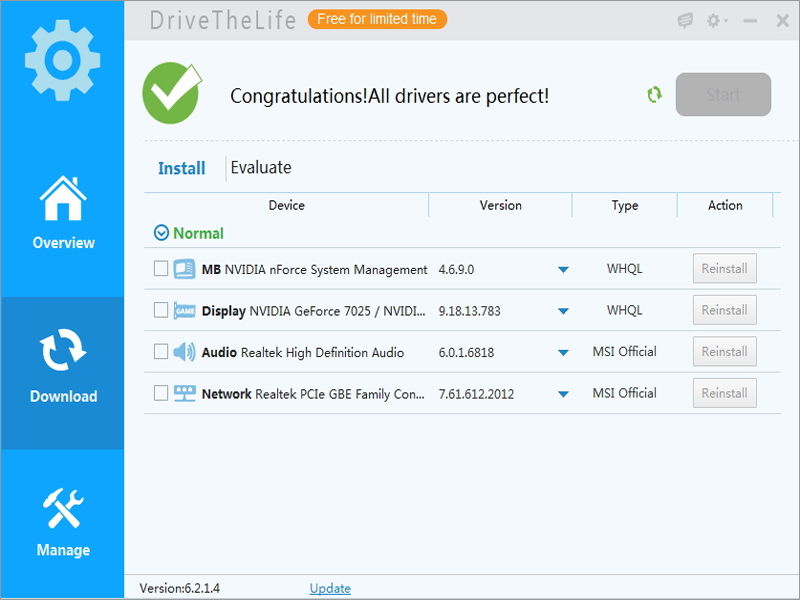
Driver Talent is a professional and easy-to-use driver update and management program which will scan your computer for all drivers. It will find outdated, malfunctioning, problematic, missing drivers and fix them with one click.
It is your best choice to fix various and tricky computer issues related with hardware drivers, working well on Windows 10, Windows 8.1, 8, 7, XP, Vista.
Except for downloading and installing driver updates, it can also backup/restore/uninstall drivers for video/graphics card, network (wired/wireless) adapter, motherboard, audio/sound card, USB, peripheral devices like mouse, keyboard, network printer, scanner, webcam, DVD player, bluetooth, gamepad and so on.
As long as you are using a Windows OS from Windows XP and the later: Windows Vista/7/8/8.1/10, whether it is a desktop or notebook/laptop, Driver Talent will work perfectly for you.
Also, you can check detailed hardware information from the Hardware Profile section.
About Driver Talent
This System Maintenance program is available in English, Arabic, Armenian, French, German, Japanese, Portuguese, Russian, Spanish. It was last updated on 29 September, 2026. Driver Talent is compatible with the following operating systems: Windows.
The company that develops Driver Talent is OSToto Co., Ltd.. The latest version released by its developer is 6.5.54.160. This version was rated by 2 users of our site and has an average rating of 5.0.
The download we have available for Driver Talent has a file size of 13.6 MB. Just click the green Download button above to start the downloading process. The program is listed on our website since 2017-06-13 and was downloaded 742 times. We have already checked if the download link is safe, however for your own protection we recommend that you scan the downloaded software with your antivirus. Your antivirus may detect the Driver Talent as malware if the download link is broken.
How to install Driver Talent on your Windows device:
- Click on the Download button on our website. This will start the download from the website of the developer.
- Once the Driver Talent is downloaded click on it to start the setup process (assuming you are on a desktop computer).
- When the installation is finished you should be able to see and run the program.
Program Details
General
System requirements
Download information
Pricing
Version History
version 6.5.53.158
posted on 2017-06-13
1. Added installation recognization in Game Components section.
2. Optimized Toolbox section.
3. Optimized driver search and installation.
4. Fixed some known bugs.
version 6.4.49.150
posted on 2017-01-20
Fixed some known bugs.
version 6.4.48.148
posted on 2016-12-15
1. Change license key validity mechanism.
2. Add new language packages: Spanish and Arabic.
3. Optimize software UI.
4. Fix known bugs: Not run on Windows 14955.
version 6.2.0.2
posted on 2014-11-27
1. More intuitive interface, highlight the core functions
2. Fix bugs on drivers updating, perfectly compatible with Win 8.1/8/7/XP
3. Add driver’s management: Backup, Restore, Uninstall
4. Evaluate device and check compatibility
